Kunkka88 App Download: Android APK Install Guide for Philippines Players
Kunkka88 App Download: Android APK Install Guide for Philippines Players
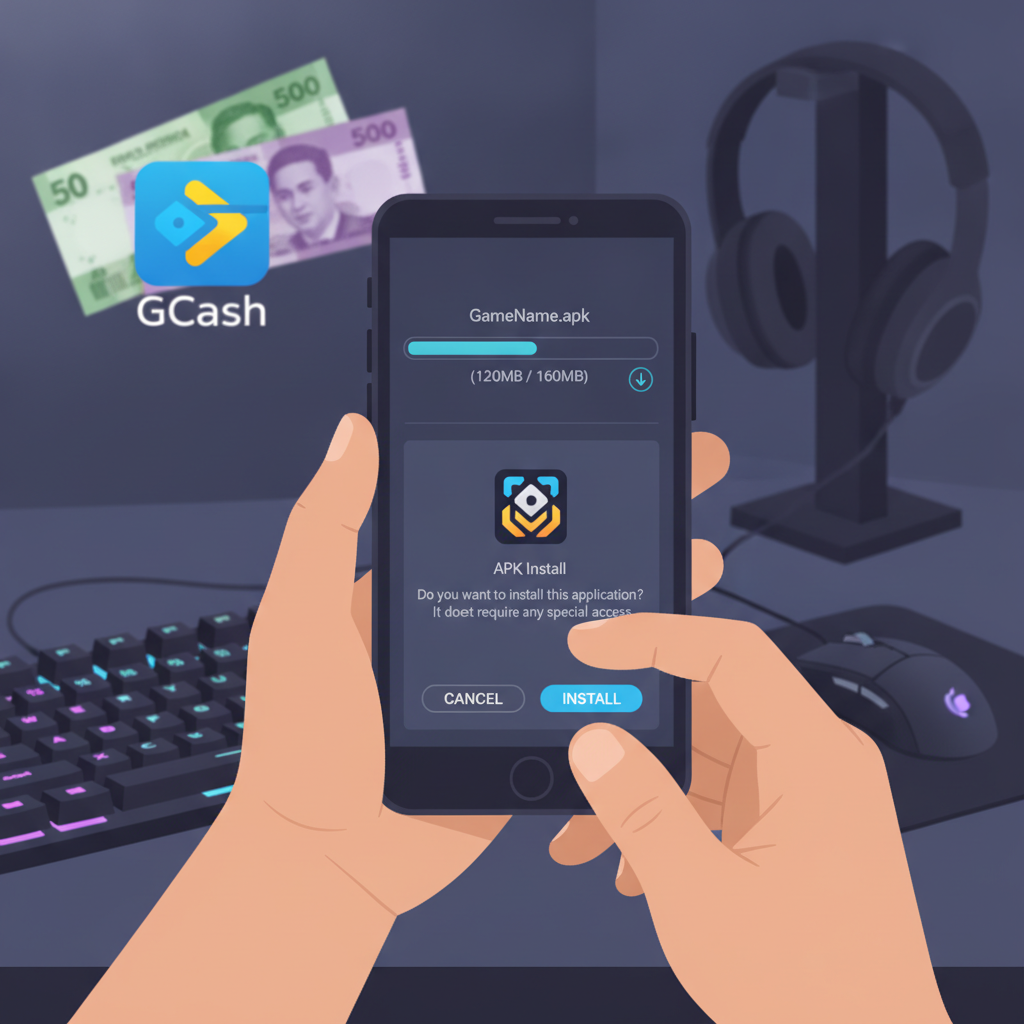
Most Filipino players use the Kunkka88 app on Android phones because it's faster than opening a browser every time you want to place a bet or check your balance. The Kunkka88 app isn't available on Google Play, so you'll need to download the APK file directly and install it manually. This guide walks you through each step—from finding the official download link to updating the app when new versions come out.
Where to Download the Official Kunkka88 Android APK
The official Kunkka88 APK is hosted on the platform's main website. You won't find it in the Google Play Store because Google's policies restrict real-money casino and sports betting apps in most regions, including the Philippines.
To get the APK:
- Open your Android browser (Chrome, Firefox, or any browser you prefer).
- Go to the official Kunkka88 website by typing the URL into the address bar. Make sure you're on the correct domain to avoid phishing sites.
- Look for a "Download App" or "Mobile App" button, usually displayed at the top menu or in a pop-up banner when you first visit on a mobile device.
- Tap the Android download button. The APK file—typically named something like "Kunkka88.apk"—will start downloading to your phone.
The file size is usually between 15 MB and 40 MB, depending on the version. If you're on mobile data and have a limited load, consider downloading over Wi-Fi to save your data allowance.
Security tip: Only download the APK from the official Kunkka88 site. Third-party APK mirrors can bundle malware or outdated versions. Bookmark the official URL so you always have the correct link.
Enabling 'Unknown Sources' on Your Android Phone
Before you can install the Kunkka88 APK, you need to allow your Android device to install apps from sources other than the Google Play Store. The exact steps vary slightly depending on your Android version and phone manufacturer (Samsung, Xiaomi, Oppo, Vivo, realme, etc.), but the process is similar across devices.
For Android 8.0 and newer (most phones sold in 2018 or later):
- After the APK finishes downloading, tap the notification or open your Downloads folder.
- Tap the Kunkka88.apk file.
- A prompt will appear saying "Install blocked" or "For your security, your phone is not allowed to install unknown apps from this source."
- Tap Settings in the prompt.
- Toggle on the switch for Allow from this source (the source will be your browser, like Chrome or Firefox).
- Press the back button to return to the install screen.
For Android 7.1 and older:
- Open Settings on your phone.
- Go to Security or Privacy.
- Find the option labeled Unknown sources or Install unknown apps.
- Toggle it on. A warning will appear; tap OK to confirm.
Once you've enabled unknown sources for your browser or systemwide, you're ready to install the APK. You can turn this setting off again after installation if you prefer, though you'll need to re-enable it whenever you want to update the Kunkka88 app.
Step-by-Step APK Installation Instructions
With unknown sources enabled, installing the Kunkka88 app takes less than a minute.
Follow these steps:
- Locate the downloaded APK file.
Open your phone's file manager or check the Downloads folder. The file is usually named "Kunkka88.apk" or includes the version number. - Tap the APK file.
Your phone will display an install screen showing the app name, size, and permissions requested (such as storage, network access, and notifications). - Review the permissions.
The Kunkka88 app typically requests access to your device storage (to save game data and cache images) and network connection (to communicate with the platform's servers). These permissions are standard for online casino apps. If you see unusual requests—like access to your contacts or SMS—stop and double-check that you downloaded the correct APK from the official site. - Tap Install.
The installation process begins and usually completes in 10–20 seconds. - Tap Open when installation finishes, or find the Kunkka88 icon on your home screen or app drawer.
- Log in with your existing account.
Enter the username and password you already use on the Kunkka88 website. If you have login trouble, check your internet connection and make sure you're typing your credentials correctly. Some players save their login details in a notes app or password manager to avoid typos.
The app interface mirrors the mobile website but loads faster and sends push notifications when your withdrawal is approved or when new promotions go live.
Updating the Kunkka88 App When a New Version Is Released
Kunkka88 periodically releases app updates to fix bugs, improve speed, and add new features like live-streaming for sports events or new slot game lobbies. Because the app isn't on Google Play, updates won't install automatically. You need to download and install the new APK manually.
How to know when an update is available:
- In-app notification: The Kunkka88 app usually displays a banner or pop-up message when a new version is ready. Tap the prompt to go to the download page.
- Website banner: Visit the Kunkka88 homepage on your phone's browser. If there's a newer version, the site often shows a "New App Version Available" banner.
- Push notification: If you've enabled notifications, Kunkka88 may send a push alert about the update.
Steps to update:
- Go to the official Kunkka88 website in your browser.
- Tap the Download App button to get the latest APK.
- Once the new APK file downloads, tap it to install.
- A prompt will ask if you want to update the existing app. Tap Install or Update.
- The new version installs over the old one. Your login details, game history, and saved settings remain intact—you won't lose any data.
You don't need to uninstall the old version first. The new APK replaces it automatically when you tap Install.
Note on version numbers: Each APK has a version number (for example, v2.4.1). You can check your current version by opening the app, going to the menu or settings screen, and looking for "App Version" or "About." If the website's APK version number is higher than what's on your phone, it's time to update.
Troubleshooting Common APK Install Issues
"App not installed" error
This message can appear if:
- Insufficient storage: Free up at least 100 MB of space by deleting unused apps, old photos, or cached files.
- Corrupted download: Delete the APK file and download it again. Sometimes a weak signal interrupts the download and creates a broken file.
- Conflicting old version: If you previously sideloaded a beta or unofficial version, uninstall it completely, then download and install the official APK.
App crashes or won't open
- Restart your phone. This clears temporary system glitches.
- Check your Android version. Kunkka88 typically requires Android 5.0 or newer. If you're on an older OS, the app may not run properly.
- Reinstall the APK. Uninstall the app, download a fresh copy of the APK, and install again.
Can't enable unknown sources
Some phone manufacturers (especially enterprise or carrier-locked devices) restrict this setting. Try updating your browser (Chrome, Firefox) to the latest version, then download the APK again. Newer Android versions let you grant install permission per app rather than systemwide.
iOS and Desktop Alternatives
Kunkka88 does not currently offer a dedicated iOS app for iPhone or iPad users. Apple's App Store policies are even stricter than Google's when it comes to real-money gambling apps. Filipino players on iOS can use the mobile-optimized website through Safari or Chrome. The browser version works smoothly on iPhones and supports all the same features—slots, live dealer, sports betting, GCash deposits, and withdrawals.
For desktop or laptop users, log in through any web browser. There's no need to download software for Windows or Mac; the Kunkka88 site is fully functional on desktop browsers.
Payment and Withdrawal Through the Kunkka88 App
Once the app is installed and you've logged in, you can deposit and withdraw using the same methods available on the website: GCash, Maya, InstaPay, and PESONet bank transfers. The app's cashier section is usually accessible from the main menu.
Typical deposit limits start at PHP 100, and most transactions process instantly for GCash and Maya. Withdrawals can take a few hours to one business day, depending on the method and whether your account verification is complete.
If you run into issues—pending cashouts, failed GCash transfers, or long processing times—check the platform's cashier page for status updates or contact Kunkka88 customer support through live chat (available 24/7 in the app).
For detailed walkthroughs of GCash deposits, withdrawal steps, and troubleshooting stuck transactions, refer to dedicated guides on this site that cover payment processes in depth.
21+ Only and Responsible Gambling Reminder
Kunkka88 is intended for players 21 years of age and older. Online gambling should be treated as entertainment, not a way to make money. Set a budget before you play, and never deposit more than you can afford to lose.
If you feel that betting is becoming a problem, take a break. Most platforms, including Kunkka88, offer self-exclusion tools and deposit limits in the account settings. You can also reach out to local support organizations for help with gambling-related concerns.
Summary: Downloading and installing the Kunkka88 Android APK is straightforward—grab the file from the official website, enable unknown sources in your phone's security settings, tap Install, and you're ready to play. Keep the app updated by checking the site for new versions every few weeks, and remember that all Kunkka88 services are for adults 21 and over. Play responsibly, set limits, and enjoy the convenience of mobile betting on your Android device.