Kunkka88 iOS App: Can iPhone Users Download It in the Philippines?
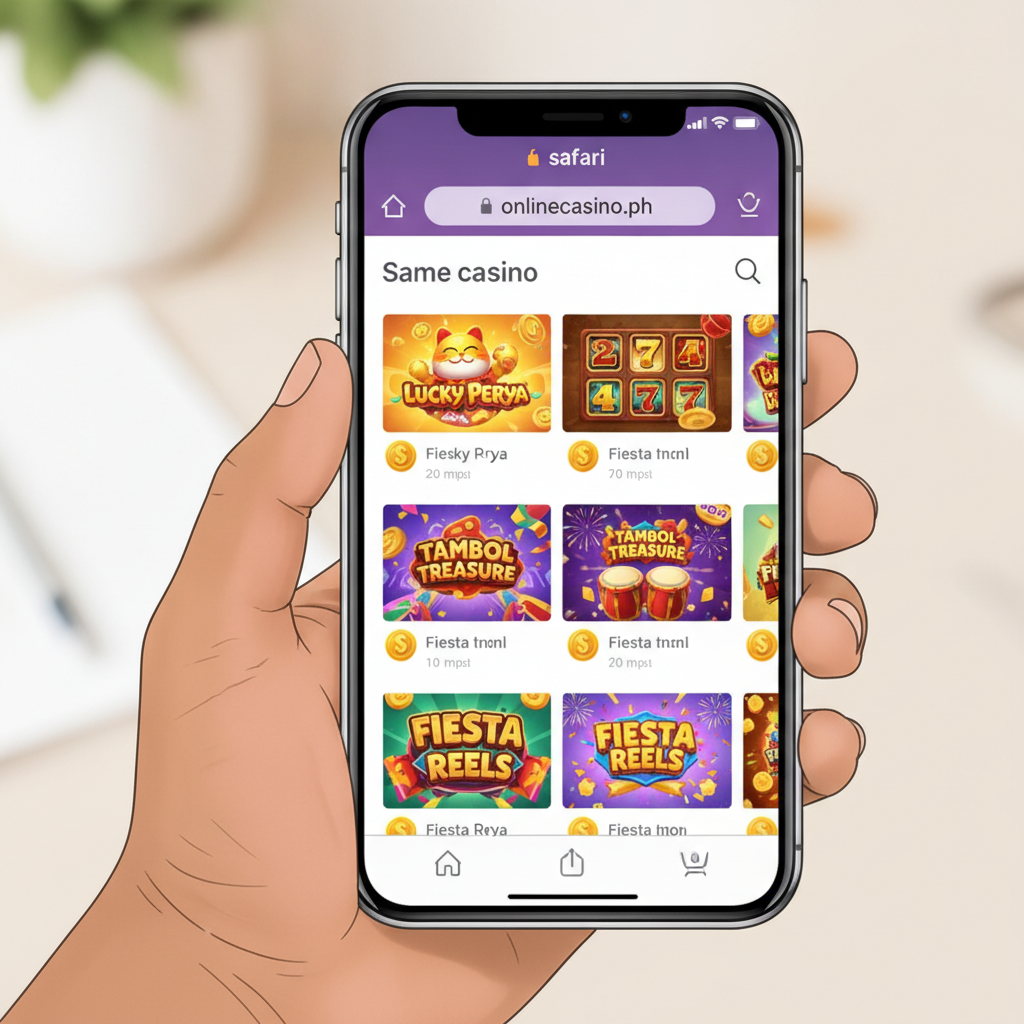
Current Status of Kunkka88 iOS App Availability
As of now, Kunkka88 does not offer a dedicated iOS app that can be downloaded from the Apple App Store. This is a common situation among online casinos and sportsbooks serving the Philippine market, as Apple enforces strict policies around real-money gambling applications in its official store.
While Android users can download the Kunkka88 APK file directly from the platform's website and install it manually, iPhone and iPad users do not have an equivalent native app option. Kunkka88 has not published an .ipa file for iOS installation, and searching the App Store for "Kunkka88" will not return an official app.
This does not mean iPhone users are locked out. Kunkka88 runs a fully functional mobile-optimized website that works smoothly on Safari and other iOS browsers, giving you access to slots, jackpot games, live dealer tables, sports betting on PBA, NBA and volleyball, plus bingo—all without downloading anything.
Using the Mobile-Optimized Website on Safari as an Alternative
The Kunkka88 mobile site is built to work seamlessly on iPhone browsers, particularly Safari, which comes pre-installed on all iOS devices. When you visit Kunkka88's web address on your iPhone, the site automatically detects your screen size and adjusts the layout for touch navigation.
Here's what you can do on the mobile site:
- Kunkka88 login: Enter your username and password from the homepage. The login form is optimized for iOS keyboards, and Safari's autofill can save your credentials securely in your iCloud Keychain.
- Make deposits and withdrawals: Use GCash, Maya, or bank transfer via InstaPay and PESONet directly from the mobile site. The payment pages load quickly and process transactions the same way as the Android app or desktop version.
- Browse games: The mobile site shows the full catalog of slots, live dealer games, and sports betting markets. Filters and search work the same as on the Android APK.
- Place bets: Tap on any PBA, NBA or volleyball match to see odds and place your bets in pesos. The bet slip is easy to fill out on an iPhone screen.
- Check withdrawal status: Navigate to your account section to view pending or completed Kunkka88 withdrawal requests and see processing times for GCash, Maya, or bank transfers.
Because the mobile site is browser-based, you do not need to update it manually. Kunkka88 pushes changes and fixes on the server side, so every time you open Safari and visit the site, you see the latest version.
Loading speeds on Safari are generally good over 4G or Wi-Fi in Metro Manila and the provinces. If you experience slow performance, clear Safari's cache by going to Settings > Safari > Clear History and Website Data, then reopen the site.
Adding Kunkka88 to Your iPhone Home Screen
Even though there is no App Store download, you can add a Kunkka88 shortcut to your iPhone home screen. This makes the mobile site behave much like a standalone app: you tap an icon to launch it, and the site opens in full-screen mode without Safari's address bar or toolbars.
Here's how to do it:
- Open Safari on your iPhone and go to the Kunkka88 website. Log in if you want the shortcut to remember your session (optional).
- Tap the Share button at the bottom of Safari (the square icon with an upward arrow).
- Scroll down and tap "Add to Home Screen".
- Edit the name if you like (it will default to "Kunkka88" or the page title). You can shorten it to "Kunkka88" for clarity.
- Tap "Add" in the top-right corner.
A Kunkka88 icon will now appear on your home screen, next to your other apps. Tap it to open the site in a full-screen web-app mode. Safari's navigation bar will be hidden, giving you a more immersive experience similar to a native app.
Benefits of the home-screen shortcut:
- Faster access: No need to type the URL every time.
- Cleaner interface: Full-screen browsing hides Safari's address bar and tabs.
- Session persistence: If you stay logged in, the shortcut will open to your account dashboard.
Limitations to keep in mind:
- The shortcut still relies on Safari's web engine, so it is technically a bookmark, not a standalone app.
- You will need an active internet connection (Wi-Fi or mobile data) each time you open it.
- Push notifications for promotions or bet updates are not available, since iOS restricts web apps from sending notifications in the same way native apps can.
Differences Between Android APK and iOS Web App Experience
If you have used Kunkka88 on an Android device or know someone who has, you might wonder how the iPhone experience compares. Here are the main differences:
Installation and Updates
- Android APK: Users download a file from the Kunkka88 website, enable installation from unknown sources in their settings, and install the app manually. Updates require downloading a new APK version and reinstalling.
- iOS web app: No installation or permissions needed. You simply visit the site in Safari (or add a home-screen shortcut). Updates happen automatically on Kunkka88's server, so you always see the latest version without reinstalling anything.
Interface and Features
- Game selection and betting: Both platforms offer the same slots, jackpot games, live dealer tables, and sports betting markets (PBA, NBA, volleyball, bingo). There is no difference in the games available.
- Deposits and withdrawals: GCash, Maya, InstaPay, and PESONet are supported equally on Android and iOS. Kunkka88 withdrawal processing times and limits are the same regardless of device.
- Login and verification: The Kunkka88 login process is identical. You enter your username and password, and if your account requires additional verification, you will see the same prompts on iPhone as on Android.
Performance
- Speed: The Android APK may feel slightly faster for some users because it is a native app that can cache assets locally. The iOS web app loads pages from Kunkka88's server each time, though Safari does cache images and scripts to improve speed on repeat visits.
- Offline mode: The Android APK can display cached pages briefly when you lose connection, but since Kunkka88 requires a live connection for betting and payments, this is not a meaningful advantage. The iOS web app will not load at all without internet.
Notifications and Shortcuts
- Push notifications: The Android APK can send push alerts for new promotions, withdrawal confirmations, or bet results. The iOS web app cannot send push notifications, so you will need to check the site manually for updates.
- Home-screen integration: Both platforms let you add a Kunkka88 icon to your home screen, but the Android APK is a true app, while the iOS shortcut is a web bookmark.
Security and Permissions
- Android APK: Requires enabling "Install from unknown sources," which some users find less secure. Kunkka88 is responsible for signing the APK and ensuring it is malware-free.
- iOS web app: No installation permissions needed. Safari's built-in security and Apple's sandboxing keep your browsing isolated. You also avoid risks associated with sideloading apps.
In practice, most iPhone users in Metro Manila and the provinces find the mobile site on Safari to be just as convenient as the Android APK. The main trade-offs are the lack of push notifications and a slight speed difference, neither of which prevents you from logging in, depositing via GCash or Maya, playing slots or live dealer games, betting on PBA or NBA matches, or requesting a Kunkka88 withdrawal.
Why Kunkka88 Does Not Have an App Store Listing
Apple's App Store Review Guidelines prohibit apps that facilitate real-money gambling unless the developer holds specific licenses and approvals in each region. Many online casinos and sportsbooks serving the Philippines do not qualify for App Store distribution, so they rely on web-based platforms instead.
Kunkka88 has chosen to focus development resources on the mobile-optimized website and the Android APK, which together cover the majority of Filipino players. Most users in Metro Manila and the provinces are mobile-first on Android, and those on iPhone can access the full feature set through Safari.
This approach also lets Kunkka88 push updates and new games faster, since changes to a website do not require approval from Apple or Google. Players see new slots, updated odds, and improved payment flows as soon as Kunkka88 deploys them.
Tips for iPhone Users
- Bookmark or add to home screen: Save time by creating a shortcut so you do not have to type the URL each visit.
- Enable autofill: Let Safari save your Kunkka88 login credentials in iCloud Keychain for faster sign-in.
- Check Safari settings: If pages load slowly, clear your cache and disable content blockers that might interfere with the site's scripts.
- Use Wi-Fi for large game libraries: Browsing hundreds of slots over mobile data can consume your allowance quickly. Connect to Wi-Fi when exploring new games.
- Monitor your Kunkka88 withdrawal requests: Since push notifications are not available, log in periodically to check the status of GCash, Maya, or bank-transfer cashouts.
21+ Only and Responsible Gambling Reminder
Kunkka88 is for players aged 21 and over. Online casino and sports betting activities carry financial risk, and no outcome is guaranteed. Set a budget in pesos before you start, and never deposit more than you can afford to lose.
If you feel that gambling is affecting your finances, relationships, or well-being, take a break and seek support. Kunkka88 offers account controls such as deposit limits and self-exclusion options—contact their support team through the mobile site if you need help managing your play.
Remember, this guide is an independent resource. It is not operated by or affiliated with Kunkka88. All information is provided for educational purposes to help Filipino players understand their options when using an iPhone to access Kunkka88's platform.