Kunkka88 Login Problems: Fix Account Access and Verification Errors
Kunkka88 Login Problems: Fix Account Access and Verification Errors
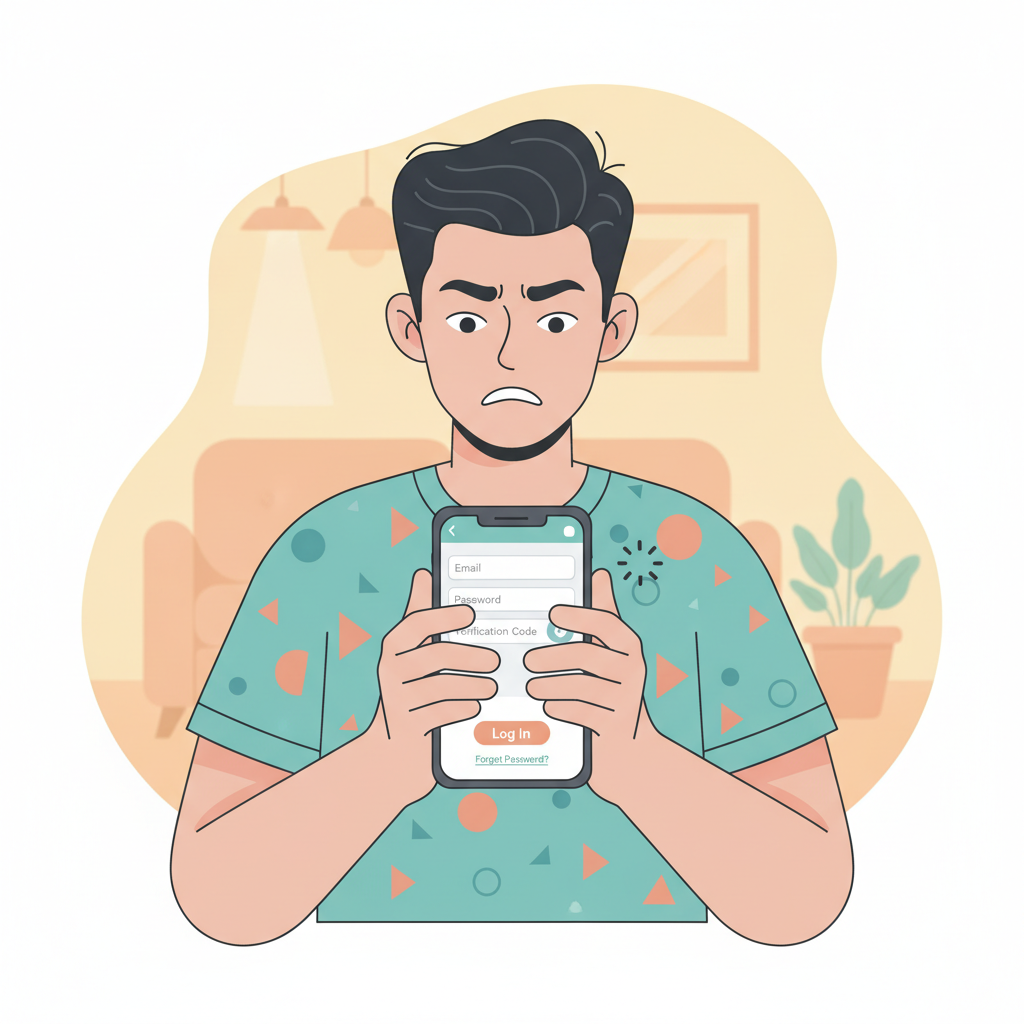
Getting locked out of your Kunkka88 account when you're ready to place a bet or check your balance is frustrating. This guide walks through the most common Kunkka88 login problems Filipino players face on mobile and how to fix them quickly—whether you're using the Android app, iOS browser, or desktop.
Common Kunkka88 Login Errors: Wrong Password, Locked Account, Expired Session
Wrong username or password
The most frequent error. If you see "Invalid credentials" or "Incorrect password," double-check that:
- You're entering the exact username or mobile number you registered with
- Your password is typed correctly—Android auto-correct or a misfiring keyboard can add extra characters
- CAPS LOCK isn't on; Kunkka88 passwords are case-sensitive
If you've tried multiple times and still can't get in, don't keep guessing—move straight to the password reset steps below. Too many failed attempts can trigger an automatic account lock.
Account locked or suspended
After several incorrect password attempts (typically five or more within a short window), Kunkka88 may temporarily lock your account to protect it. You'll see a message like "Account temporarily locked" or "Too many login attempts."
In most cases the lock lifts automatically after 15–30 minutes. If it doesn't, or if the message says "Account suspended," contact Kunkka88 customer support via live chat or the email address listed on the official site. Have your registered mobile number and email ready so the agent can verify your identity.
A suspension (as opposed to a temporary lock) usually means the platform flagged something during a routine verification check—duplicate accounts, mismatched identity documents, or a failed selfie verification. Support will explain what's needed to reinstate access.
Expired session or "Please log in again"
If you've been logged in for a while—especially if you switched apps, put your phone to sleep, or didn't interact with the Kunkka88 app for 20–30 minutes—the session may time out for security. Simply tap the login button and re-enter your credentials. This is normal behaviour, not a bug.
"User not found" error
This usually means the username, email, or mobile number you typed isn't in Kunkka88's database. Confirm you're on the official Kunkka88 login page (check the URL carefully; phishing sites sometimes use similar names). If you originally registered using your mobile number, enter it in the exact format required—with or without +63, depending on what the form asks for.
Resetting Your Kunkka88 Password on Mobile
If you can't remember your password or suspect it's been changed, here's how to reset it:
- Tap "Forgot Password" on the login screen
Look for the link directly below the password field. It may also read "Reset Password" or "Can't access your account?" - Enter your registered mobile number or email
Kunkka88 will ask for the contact detail you used during sign-up. Type it exactly as registered. - Request a verification code
Tap "Send Code" or "Submit." You should receive a six-digit code via SMS (if you entered your mobile) or email within one to three minutes. - Enter the code and create a new password
Type the code into the app or browser form, then choose a new password. Kunkka88 typically requires at least eight characters, mixing letters and numbers. Avoid reusing old passwords. - Log in with your new credentials
Once confirmed, return to the main login screen and sign in with your username (or mobile number) and the new password.
Tip: Save the new password in your phone's notes or a password manager app. Avoid storing it in an unprotected screenshot or message thread.
Verification Code Not Arriving via SMS or Email
SMS code delayed or missing
- Check your phone signal: Move to an area with stronger reception or switch from mobile data to Wi-Fi (if the code is sent via an internet-based SMS gateway).
- Wait five minutes: Network congestion—especially during peak evening hours in Metro Manila and the provinces—can delay delivery.
- Check spam or blocked messages: Some Android phones filter promotional or automated SMS into a separate "Spam" folder.
- Confirm your registered number is active: If you recently changed SIM cards or networks, the number on file may no longer receive messages. Contact Kunkka88 support to update your mobile number before requesting a new code.
Email code not received
- Look in Spam or Promotions folders: Email providers often route automated messages from online casinos to junk. If you find the Kunkka88 email there, mark it "Not Spam" so future codes land in your inbox.
- Check the address you entered: A single typo will send the code to the wrong mailbox.
- Wait a few minutes: Email can be slower than SMS, particularly if Kunkka88's mail server is under heavy load.
- Try requesting via SMS instead: If your email isn't working, go back and select the SMS option (if available) or reach out to live chat for manual verification.
Still no code after 10 minutes?
Open the Kunkka88 live-chat widget (usually a floating icon at the bottom-right of the screen) and explain that you're waiting for a password-reset code. The agent can either resend it or verify your identity another way—often by asking for your full name, date of birth, and the last four digits of a recent deposit transaction.
Troubleshooting App Login vs Mobile Browser Login
Some errors appear only in the Kunkka88 Android APK or only when logging in through Chrome or Safari. Here's how to narrow down the cause.
Android APK issues
- "App needs an update": If you downloaded the APK directly from the Kunkka88 site (rather than Google Play), updates aren't automatic. Visit the official Kunkka88 download page, grab the latest APK, and install it over the old version. Your login credentials and session won't be lost.
- "Connection error" or endless loading: Clear the app's cache in Settings → Apps → Kunkka88 → Storage → Clear Cache. If that doesn't help, uninstall and reinstall the APK. Make sure you have at least 100 MB of free storage; low space can cause install and login failures.
- Fingerprint or face unlock not working: Go to the Kunkka88 app settings and toggle biometric login off, then on again. If your phone's Android version is outdated (older than Android 8), biometric login may not be supported; use your password instead.
iOS and mobile browser login
Because Apple doesn't permit real-money casino apps in the Philippine App Store, most iOS users access Kunkka88 through Safari or Chrome.
- "Cookies must be enabled": Open Safari settings (Settings → Safari → Block All Cookies) and make sure it's turned off. Kunkka88's session system relies on cookies; blocking them will log you out immediately.
- Session keeps expiring: Private or Incognito mode deletes cookies when you close the tab. Use a regular browser window and save the Kunkka88 login page to your home screen for quick access.
- Login page won't load or times out: Try switching between mobile data and Wi-Fi. Some ISPs or corporate networks block casino domains; a VPN can help, but check that Kunkka88's terms of service allow VPN use from the Philippines before connecting.
App vs browser—which should you use?
If you're on Android and the APK is up to date, the app usually offers a smoother experience—faster load times, biometric login, and offline access to your bet history. On iOS, the mobile browser is your only official option, and it works well as long as cookies are enabled and you're on a stable connection.
If one method consistently fails, switch to the other as a temporary workaround while you troubleshoot or wait for a platform update.
Preventing Future Login Issues
- Bookmark the official login URL: Phishing sites mimic Kunkka88's design. Always verify the domain before entering your password.
- Keep your contact details current: If you change your mobile number or email, update them in your Kunkka88 account settings immediately. A mismatch will block password resets and withdrawal verification.
- Use a unique, strong password: Reusing passwords from other sites increases the risk of unauthorized access if one service is breached. Mix uppercase, lowercase, numbers, and symbols.
- Enable two-factor authentication (2FA) if available: Some players report that Kunkka88 offers optional SMS or app-based 2FA in account security settings. Turning it on adds an extra login step but significantly reduces the chance of someone else accessing your account.
21+ Only and Responsible Gambling Reminder
Kunkka88 is strictly for players aged 21 and above. Online gambling should be entertainment, not a way to solve financial problems. Set deposit limits in your account settings, take regular breaks, and never chase losses. If you feel your play is becoming difficult to control, reach out to a responsible-gambling support service or use Kunkka88's self-exclusion tools.
Quick summary: Most Kunkka88 login problems—wrong password, expired session, missing verification codes—can be fixed in a few minutes by resetting your password, clearing your app cache, or switching between the Android APK and mobile browser. For account locks or persistent errors, contact Kunkka88 live chat with your registered mobile number ready. Keep your contact details up to date and always verify you're on the official site to avoid phishing and future headaches.