Kunkka88 Maya Withdrawal: Fees, Limits, and Processing Time
Kunkka88 Maya Withdrawal: Fees, Limits, and Processing Time
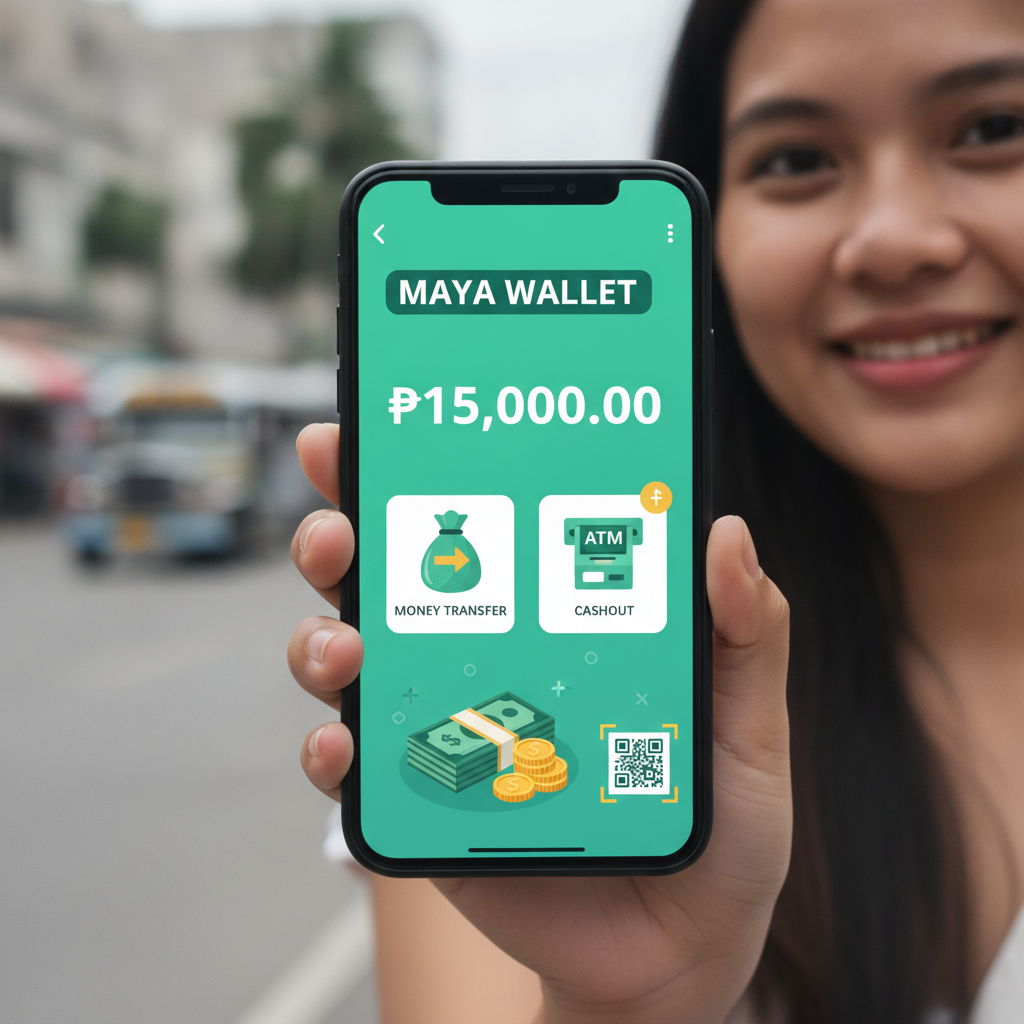
Cashing out your winnings from Kunkka88 to your Maya wallet is one of the fastest ways to get your PHP into an e-wallet you can use for bills, shopping, or everyday spending. This guide walks through the Maya withdrawal process, explains the fees and limits you'll encounter, and shows you what to do if your cashout gets stuck.
All information below reflects current procedures as of 2025. Kunkka88 operates independently; this is a third-party guide for Filipino players aged 21 and over. Always gamble responsibly and only withdraw money you can afford to wait for.
How to Withdraw PHP from Kunkka88 to Your Maya Wallet
Follow these steps to request a cashout from your Kunkka88 account to Maya:
- Log in to your Kunkka88 account on your phone or desktop browser.
- Tap Withdraw or Cashout from the main menu or account dashboard.
- Select Maya as your withdrawal method. (Some platforms label it "PayMaya" – both refer to the same service.)
- Enter the amount you want to cash out, in PHP.
- Provide your Maya mobile number. This must match the number registered to your Maya account. Double-check for typos; an incorrect number will delay or reject your transaction.
- If this is your first Maya withdrawal, Kunkka88 may ask you to verify your identity by uploading a photo of your valid ID and a selfie. This is a one-time step required by Philippine regulations.
- Review the details – amount, Maya number, and any fees – then confirm the withdrawal request.
- You'll receive an on-screen confirmation and, in most cases, an SMS or email notification with a reference number.
Keep that reference number. If your cashout doesn't arrive on time, you'll need it when you contact Kunkka88 support.
Important: Your account must meet any wagering or turnover requirements tied to bonuses or promotions before you can withdraw. If you claimed a deposit bonus, make sure you've played through the required rollover amount. Kunkka88 will block cashout requests that don't meet these terms.
Maya Cashout Fees and Minimum/Maximum Limits
Understanding the fee structure and cashout limits helps you plan withdrawals and avoid surprises.
Withdrawal Fees
As of early 2025, Kunkka88 typically does not charge a platform fee for Maya withdrawals. However, always check the cashout screen before confirming; some promotions or account types may have different rules. Maya itself does not charge a fee to receive money into your wallet, so in most cases your withdrawal arrives in full.
If you see a deduction, it's usually because:
- You withdrew an amount that triggered a processing fee (rare, but some operators charge for very small cashouts).
- A bonus rollover penalty applied because you cashed out before completing wagering requirements.
- Currency conversion or third-party gateway fees were applied (uncommon for PHP-to-PHP transfers).
Minimum Withdrawal
The minimum Maya cashout on Kunkka88 is generally PHP 100. Attempting to withdraw less than PHP 100 will trigger an error message or simply not allow you to proceed. If your balance is below PHP 100, you'll need to play more or deposit again to reach the threshold – or choose a different withdrawal method if available.
Maximum Withdrawal
Daily and per-transaction limits vary by account status and VIP tier. Typical ranges include:
- Standard accounts: PHP 10,000 to PHP 50,000 per transaction; PHP 50,000 to PHP 100,000 per day.
- VIP accounts: Higher limits, sometimes PHP 200,000 or more per transaction.
These caps protect both the platform and players from fraud. If you need to cash out a large win, you may have to split it across multiple days. Check your account dashboard or contact live chat to confirm your personal limits.
Expected Processing Time for Maya Withdrawals
Maya is one of the fastest cashout methods on Kunkka88. Most players see their PHP arrive within 5 to 30 minutes after approval. However, the total time depends on two stages:
- Approval by Kunkka88: The platform reviews your withdrawal request, checks your account status and documents, then releases the funds. This usually takes a few minutes to an hour. First-time cashouts or large amounts may take longer – up to 2 to 4 hours – while the team verifies your identity.
- Transfer to Maya: Once Kunkka88 approves and sends the payment, Maya processes the incoming credit. This step is nearly instant for e-wallets, typically under 5 minutes.
Realistic timeline:
- Best case: 5 to 15 minutes from request to Maya balance.
- Typical case: 30 minutes to 1 hour.
- Slower case (first withdrawal or weekend): 2 to 4 hours.
Factors That Slow Down Processing
- Pending verification: If Kunkka88 hasn't yet approved your ID documents, all withdrawals pause until verification is complete.
- Bonus rollover incomplete: The system will hold your cashout until wagering requirements are met.
- Peak hours or weekends: High traffic can lengthen approval queues. Maya itself operates 24/7, but Kunkka88's finance team may have reduced hours late at night or on public holidays.
- Security review: Unusually large cashouts or sudden changes in play patterns may trigger a manual compliance check.
What to Do if Your Maya Cashout Doesn't Arrive
If 4 hours have passed and your PHP still hasn't hit your Maya wallet, follow these troubleshooting steps:
1. Check Your Transaction History
Log back into Kunkka88 and go to Transaction History or Withdrawal History. Look for the status of your cashout:
- Pending: The request is still in the approval queue. Wait a bit longer, or message support if it's been more than 4 hours.
- Approved / Processing: Kunkka88 has released the funds; the delay is likely on the payment gateway or Maya side.
- Completed: Kunkka88 says the money was sent. If it's marked complete but not in your Maya wallet, the problem is with the receiving account or number.
- Rejected / Failed: The withdrawal was declined. Common reasons include incorrect Maya number, unmet wagering, or a duplicate request.
2. Verify Your Maya Mobile Number
Double-check that the number you entered matches your Maya account exactly. Even one wrong digit sends the money to someone else's wallet – and e-wallet transactions are very hard to reverse. If you spot a typo, contact Kunkka88 support immediately with your reference number and the correct number.
3. Check Your Maya App
Open the Maya app and refresh your balance. Sometimes the notification doesn't arrive instantly, but the credit is already there. Also check your transaction history inside Maya for any incoming credits from "Kunkka88" or a payment gateway name.
4. Contact Kunkka88 Support
Reach out via:
- Live chat on the Kunkka88 website or app (fastest option).
- Email: The support email is usually listed in the site footer or Help section.
- Facebook Messenger or Telegram, if the platform offers social support channels.
Provide:
- Your registered mobile number or user ID.
- The withdrawal reference number.
- The date, time, and amount of the cashout request.
- A screenshot of the transaction history showing "Completed" status, if applicable.
Support will investigate and either re-send the payment, explain the delay, or guide you through additional verification steps.
5. Escalate to Maya if Kunkka88 Shows "Completed"
If Kunkka88's records confirm the money was sent but Maya hasn't credited your wallet after 24 hours, contact Maya customer service:
- Call the hotline or use the in-app chat.
- Provide the sender's name (Kunkka88 or the payment gateway), the amount, and the date.
- Ask Maya to trace the incoming transaction.
In rare cases, technical issues on the e-wallet side can delay credits. Maya's support team can manually push through a stuck transaction.
21+ Only and Responsible Gambling Reminder
Kunkka88 is intended for Filipino players aged 21 and over. Online gambling can be entertaining, but it also carries real financial risk. If you find yourself withdrawing and re-depositing repeatedly, chasing losses, or feeling anxious about your balance, take a break. Set deposit and time limits in your account settings, and reach out to a responsible gambling helpline if you need support. Only bet what you can afford to lose, and remember that cashouts exist so you can enjoy your winnings – not to fund the next round of risky bets.
Summary
Maya withdrawals on Kunkka88 are quick, convenient, and usually fee-free. With a PHP 100 minimum, manageable daily caps, and processing times under an hour in most cases, Maya is ideal for Filipino players who want fast access to their winnings. If your cashout doesn't arrive within four hours, check your transaction status, confirm your Maya mobile number, and contact support with your reference number. By following the steps in this guide, you'll move your PHP smoothly from Kunkka88 to your Maya wallet – and keep your cash flow under control.